Makevember 2025
As usual, I did Makevember this year - you make a thing a day in November and share it, and after some playing around I settled on a bit of a plan: a music camera.
I’ve been making musical visualisations based on data (mostly Cube Accounts data, but also some other datasets) - the challenge being to take some fixed points and change things like speed, synth type, key to make them sound niceish, and then make something representative appear on-screen. I settled on clientside Javascript for this after some experiments with Python - you can see a bunch of the better results in the blog post above. The challenge is that making small changes is time consuming, and I never really get into the flow of making the thing sound and look good because I have to keep stopping and changing the code.
I’ve had a visual tool in mind for a while and Makevember was an opportunity to take some steps towards it.
The idea is to take some suitable parameters and add and remove them to change the musical character of a fixed set of notes. The fixed set is a printout of some data as little squares spread out on an A4 sheet. This is calibrated to fit roughly in a square in the centre of the paper and be printable at A4 at 72dpi.
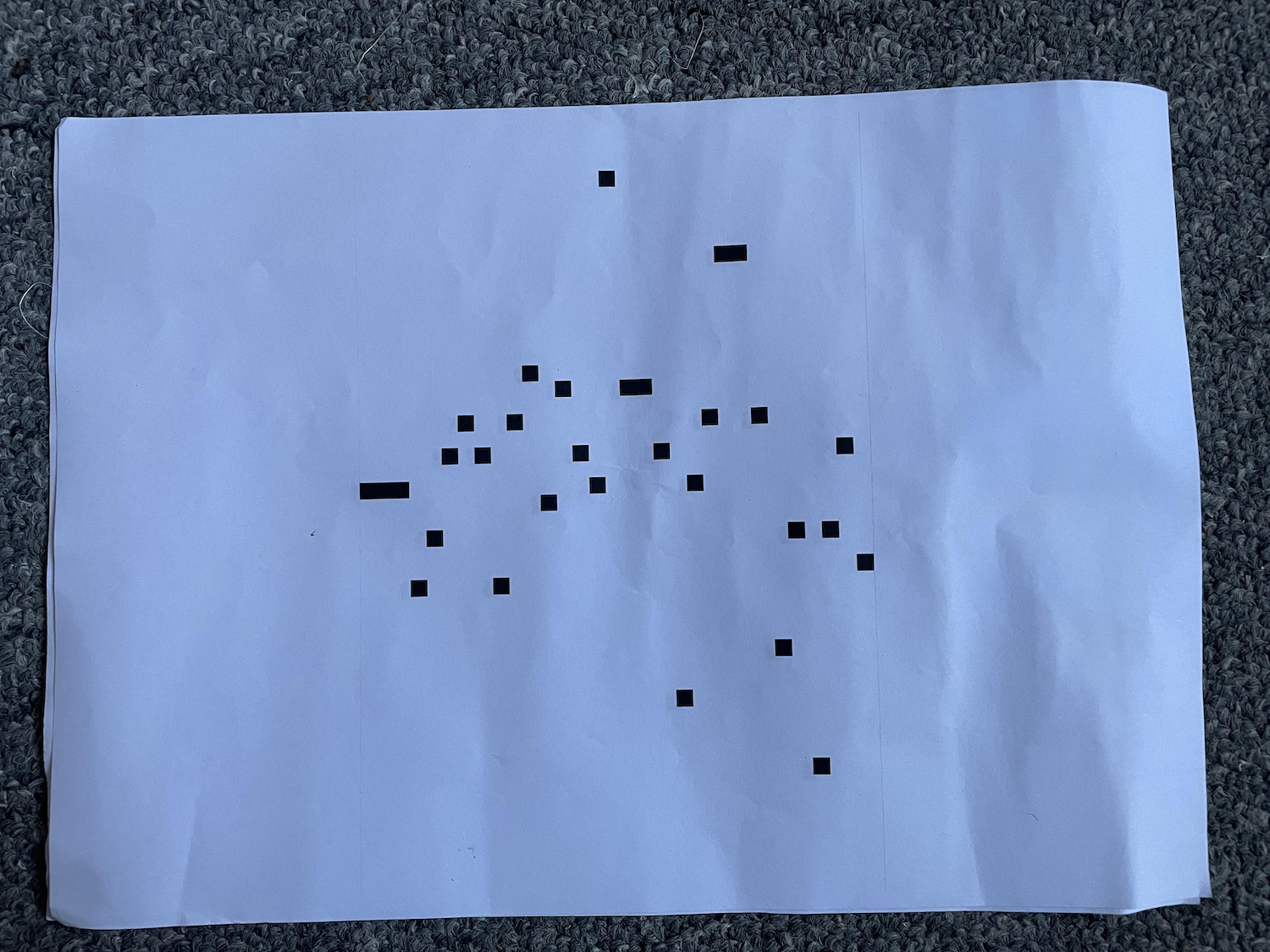
I then use a Raspberry Pi camera to read the little squares and translate them to midi notes based on a key. This is all based on pixels….round tripping is a bit approximate and untested, but it’s more or less right.
Then I add lego bricks of different colours to change the parameters - in this case the defaults are slow tempo, beepy synth and key of C, and adding various coloured bricks flips that to a fast tempo, crunchy synth and key of C#.
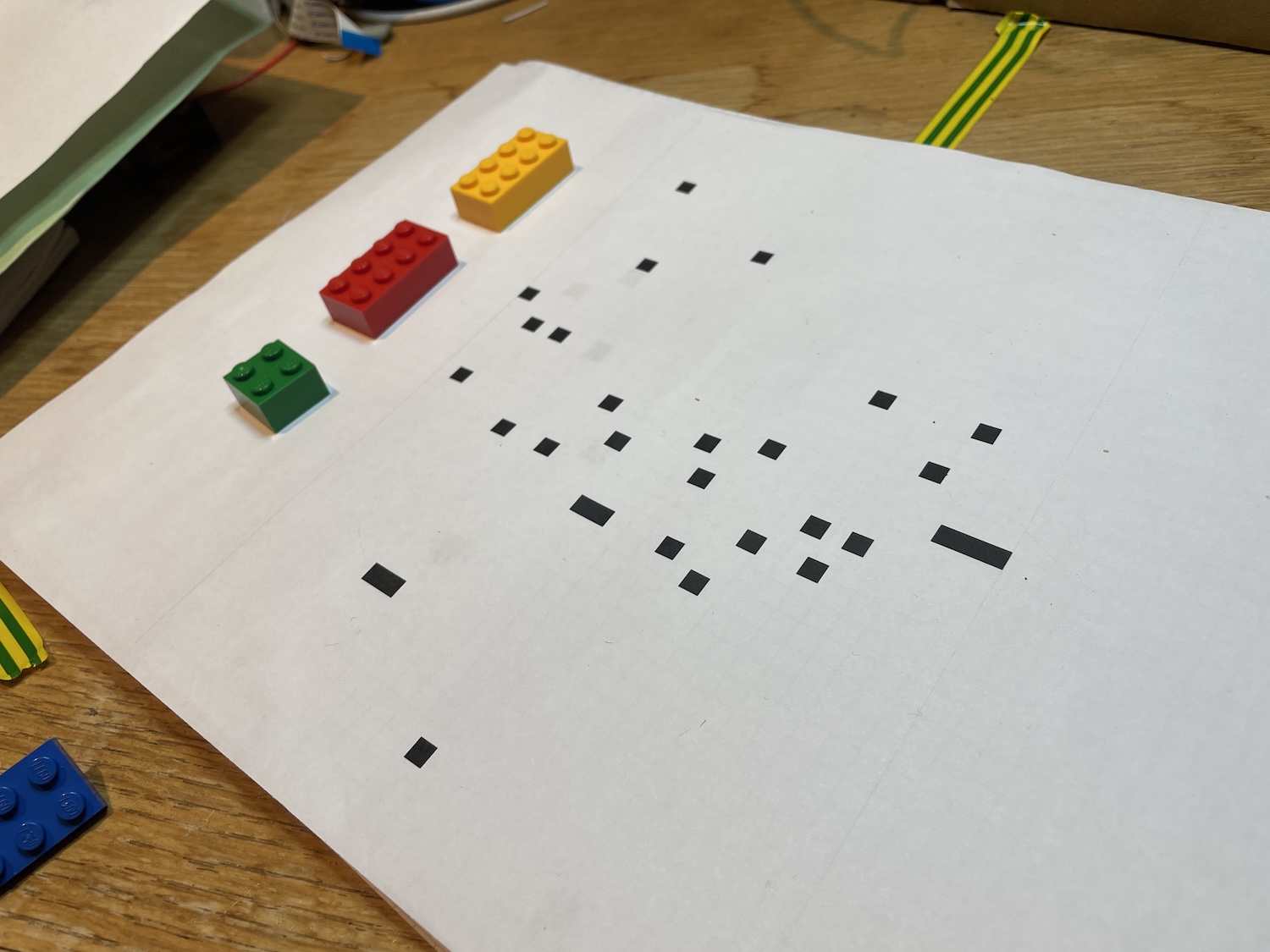
I’m not sure if it conceptually quite works, but I quite like where it’s gone. It’s inspired by WhiteboardTechno by Richard and this work by Martin. And in the back of my head is Oramics, though this is only superficially related.
From a technical perspective I learned a lot, and I like the final noise - but I don’t think there’s enough capacity in the variables to make enough of an interesting piece of music - and maybe this is connected with the lack of randomness or serendipity in the process. But perhaps it’s a first step.
I used OpenCV in Python to start with and then got frustrated by the lack of simple audio libraries in Python, so moved to a headless browser and OpenCV in client side Javascript (with Tone.js for the music). This will make it easier to eventually spit out the code for a finished piece, too.
Here’s the result so far (it picks up a bit at the end):
You may well ask - why not use a camera from a laptop instead of a headless browser and Chrome’s dev tools? I had in mind an appliance, thinking maybe I can scale it up and down, but still be able to test it on a laptop. Apart from a few teething issues, headless Chromium on a Pi 4 works very well (the main problem was that the windowing layer now shows a dialogue for you to accept the browser’s use of a camera, which of course doesn’t show up if you are using it headlessly; solution was to use it once with a screen to get the permissions remembered - but there’s probably another way).
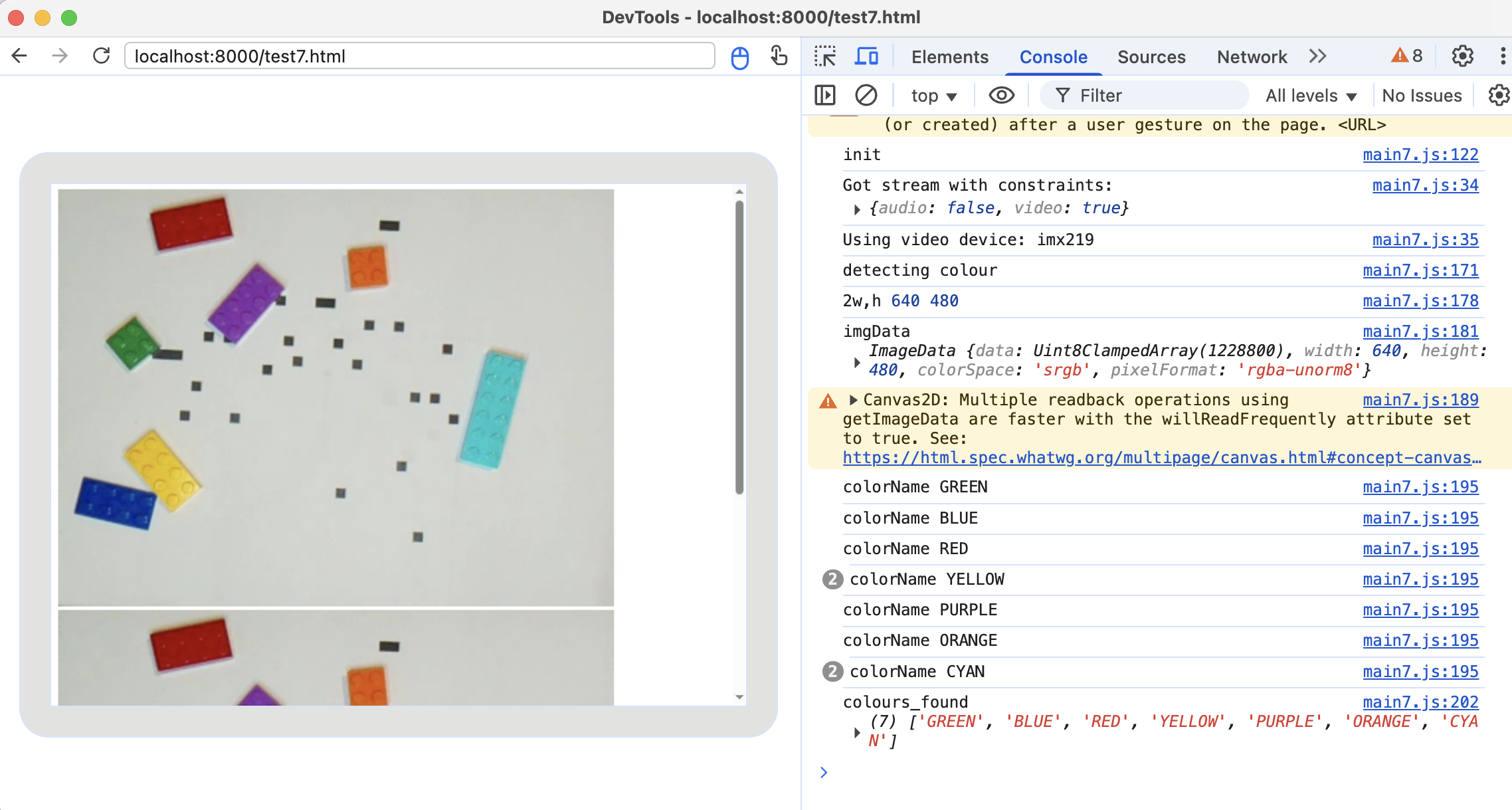
I’ve stashed the code here.